Loop Over Items
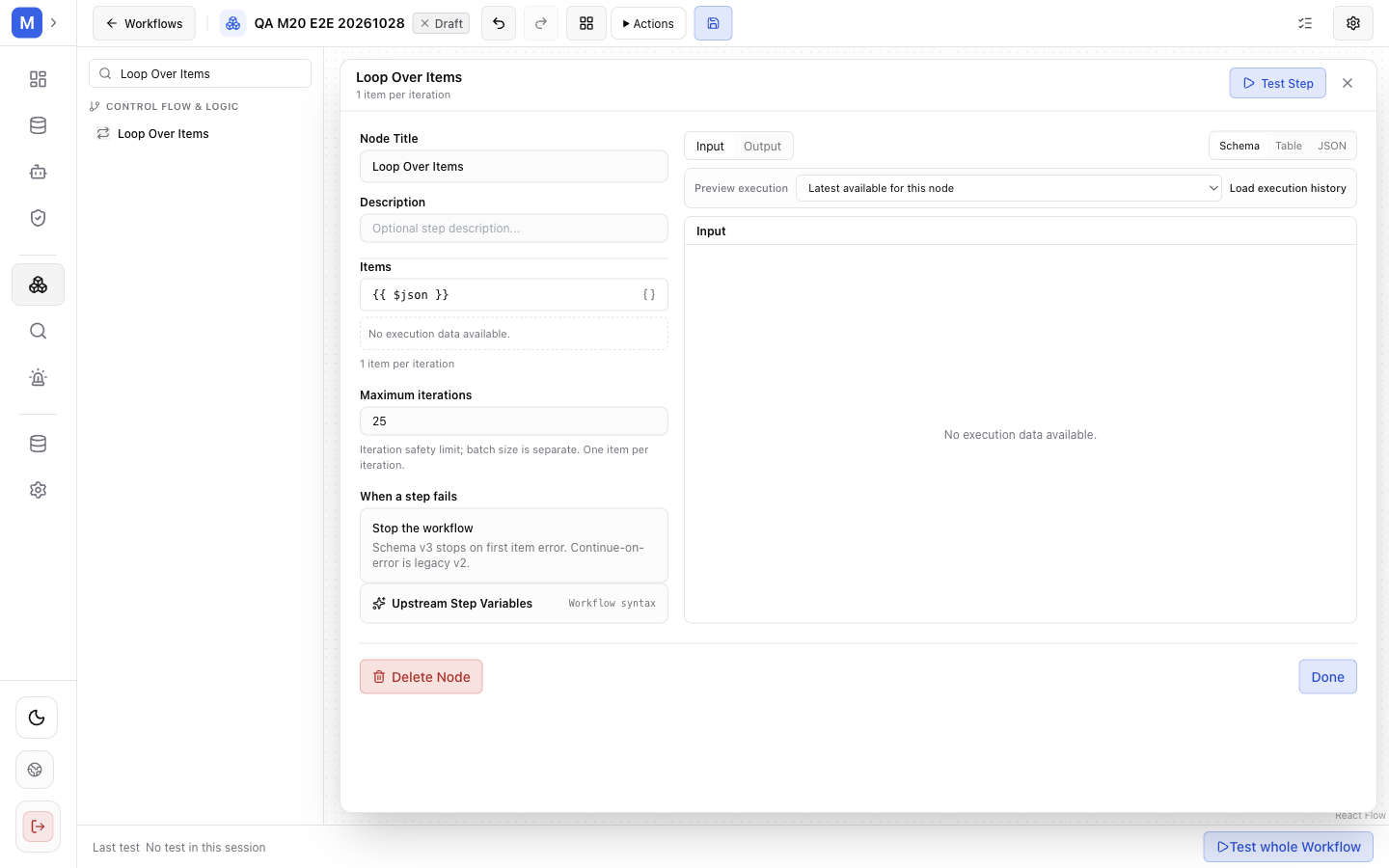
Loop Over Items processes one item per iteration.
Purpose and use: Iterate over array items in order and run a body for each. Use when a workflow needs per-item processing with an explicit iteration bound.
Configuration: Optional items expression (default {{ $json }}); maxIterations (default 25); onItemError (stop/continue, default stop); and nested body graph. Schema-v3 validates maxIterations from 1–100 and requires a matching internal Loop/Continue boundary pair. V1/v2 preserve legacy body/selector behavior and iteration caps.
Input/output and routing: One input; legacy output output; schema-v3 outputs loop and done. V3 body is nested; use loop for body flow and done after completion. Within body, $item and $index identify current value and zero-based position.
Expressions: items is expression-resolved. Body expressions can use $item, $index, and enclosing graph outputs.
Errors/effects: V3 is serial, stops on first failed item, and errors if input length exceeds maxIterations. Legacy semantics may honor onItemError=continue. Nesting limited to two body levels. Review body nodes for writes; loop execution can repeat those effects per item, and no automatic retry makes them safe.
Example configuration — fields validated against the 1.1.1 node schema; replace the identifiers with your own: {"items":"{{ $json.items }}","maxIterations":25,"onItemError":"stop"}. Expected result: each item of the selected array processed in order, until the array is exhausted or the configured limit is reached.