Before You Begin
MAIA Plus is installed and configured by someone else before you see it. This page tells you what “ready” looks like from your side and sends you to the right guide.
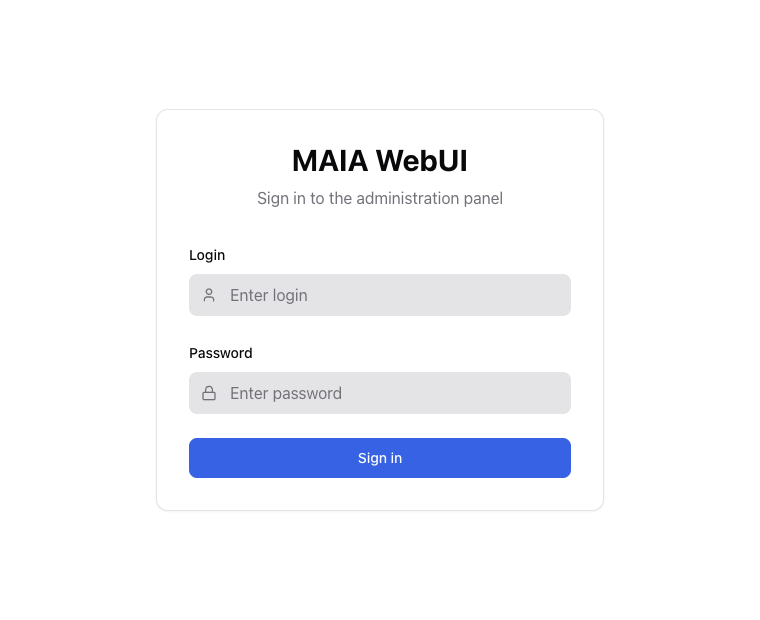
Administrators sign in here; technicians and requesters never see this page.
Which role are you?
Section titled “Which role are you?”| You are… | You open | Guide |
|---|---|---|
| Administrator — you configure and operate MAIA Plus | https://<host>/maiawebui | Administrator guide |
| Technician — you resolve tickets in ServiceDesk Plus | Your SDP ticket page; MAIA Plus appears there | Technician guide |
| Requester — you raise tickets | Your SDP requester portal | Requester guide |
| Implementer — you install it | The install package | Installation |
What must exist before you start
Section titled “What must exist before you start”- A running installation you can reach over HTTPS, with the WebUI answering.
- An account with the role you need. Accounts are created by your administrator, not self-service.
- A ServiceDesk Plus connection for anything that touches tickets.
- At least one AI provider route if you expect answers rather than errors.
If any of those is missing, start with Platform support and sizing and Installation rather than with the UI.
First hour as an administrator
Section titled “First hour as an administrator”- Diagnostics — establish what is healthy before changing anything.
- AI providers — confirm the Agent, Completion and Embedding routes are assigned.
- Agents — pick one agent and read its tools and knowledge scope.
- Data Protection — confirm what is redacted before any real ticket text leaves the host.
- Response Simulator — ask one question against a synthetic ticket; move to a real one only after step 4 is settled.
- Enterprise Audit — open the run you just created and find it there.
Those six steps turn the product from a description into something you can reason about.
Related topics
Section titled “Related topics”Installation · Concepts · Administrator guide · Troubleshooting