Incident Radar
Incident Radar answers a question a queue cannot: is this one problem or twenty? It groups similar tickets into clusters, so a mass outage appears as one incident instead of a hundred unread rows.
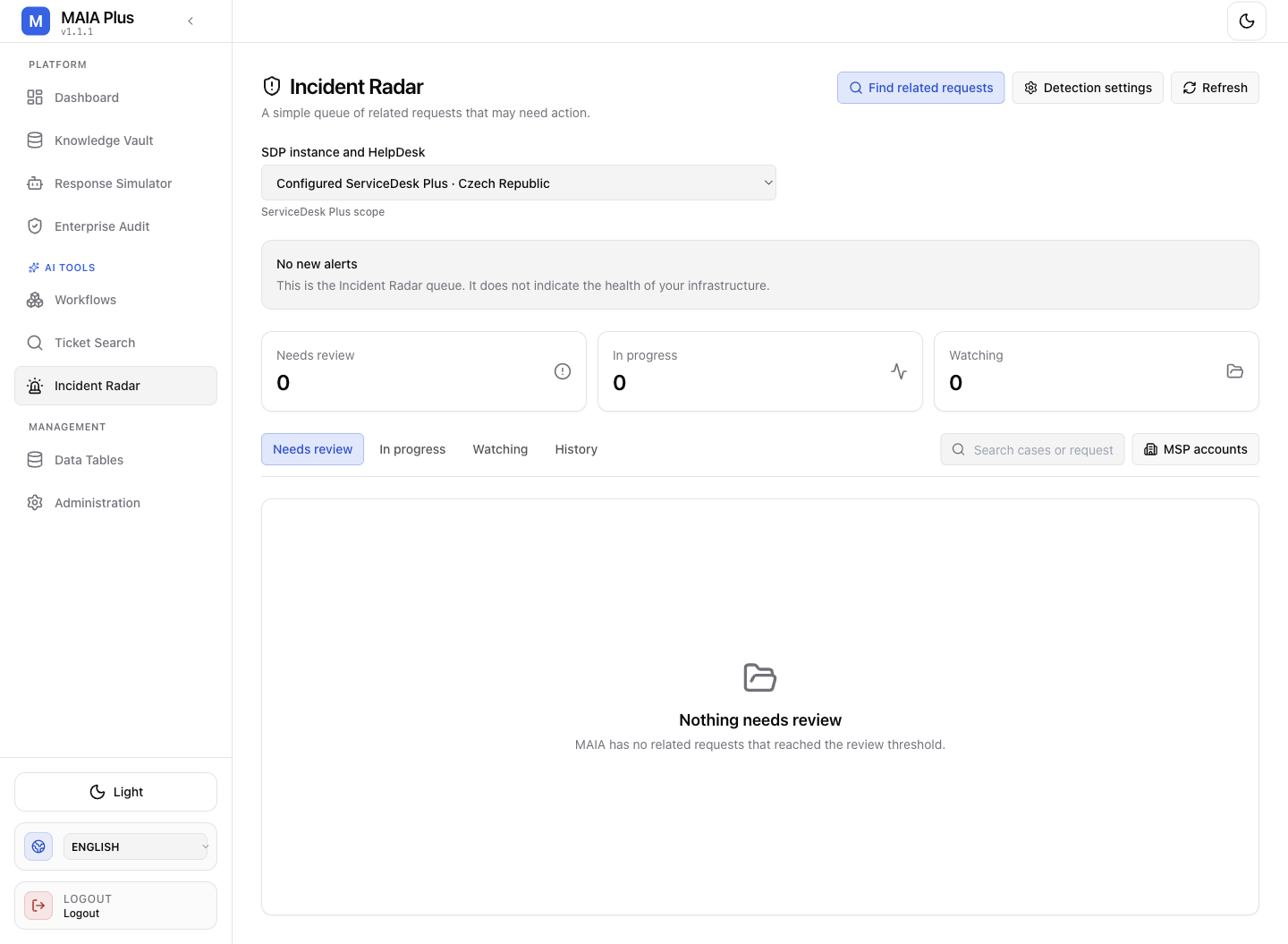
The counters summarise the queues; the list below them is scoped to the selected ServiceDesk Plus portal.
What it is
Section titled “What it is”| Term | Meaning |
|---|---|
| Incident | A cluster of tickets judged similar enough to be one problem. |
| Similarity threshold | The similarity above which a ticket joins a cluster; configured under Incident Detection. |
| Review queue | Needs review, In progress, Watching — where a technician decides what a cluster actually is. |
| Reference ticket | The ticket you start from when you ask “what else looks like this?” |
How it works
Section titled “How it works”- Tickets are compared pairwise or against existing clusters using the ticket index vectors.
- Pairs above the threshold are grouped.
- A cluster becomes an incident with a status and a set of member tickets.
- The queues surface new clusters (
Needs review), ones being handled (In progress), and ones being observed (Watching). - A cluster can feed a workflow — an incident summary, an alert, or an automatic task.
Clustering is a suggestion, not a verdict. Two tickets can be textually similar and operationally unrelated (the same VPN error for two different reasons), and a cluster can miss a real incident when the phrasing differs enough.
Use it
Section titled “Use it”- Select the portal. Detection scope is per portal; a cluster in another portal is not visible here.
- Open Needs review and read the cluster members before promoting anything.
- Confirm or dismiss: a confirmed cluster becomes an incident others can act on.
- Move a confirmed incident to In progress while it is being handled, and to Watching when it is being monitored for recurrence.
- Use the reference-ticket search when you suspect an incident that was never auto-clustered.
Tuning
Section titled “Tuning”The threshold lives in Incident Detection:
- Too low → unrelated tickets merge; reviewers lose trust and stop reading the queue.
- Too high → real incidents never form, and the queue stays empty while users complain.
Tune against real history: pick two known incidents and two known non-incidents, and check which threshold separates them.
Limits and failure modes
Section titled “Limits and failure modes”- Empty queue → no cluster crossed the threshold in scope; not proof that no incident exists.
- Sparse index → clustering needs indexed tickets; an unindexed portal produces nothing.
- Delayed detection → new tickets enter the index asynchronously, so a very fresh burst may take time to cluster.
- Cluster drift → as members are added, the representative text changes; re-read the members before acting.
- Scope mismatch → the portal selector and the detection scope must agree.
Related topics
Section titled “Related topics”Incident Detection · Ticket Search · Search index health · Enterprise Audit