DataTables
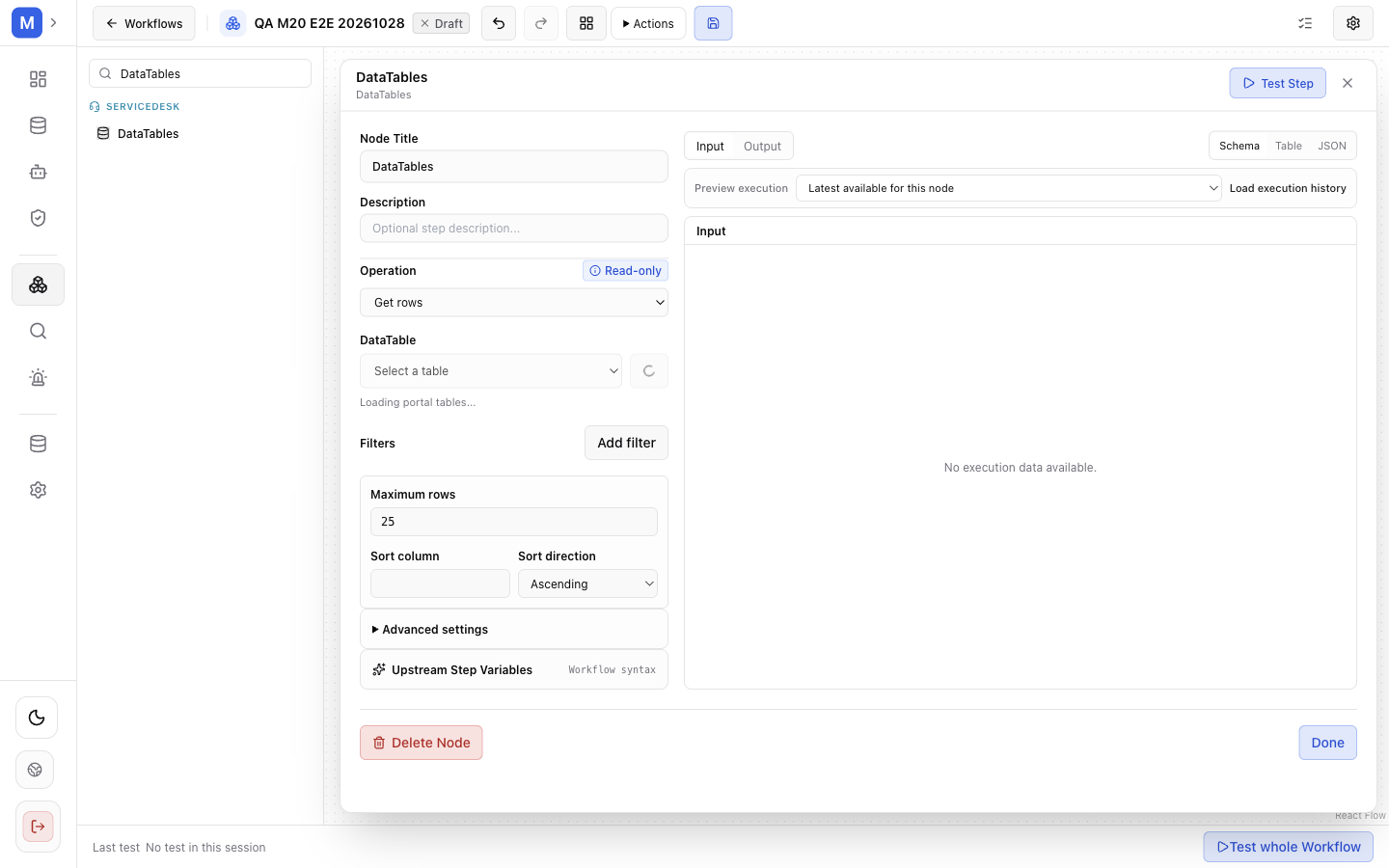
DataTables reads or maintains structured rows inside the selected portal.
Purpose and use: Execute one operation against a configured portal-scoped table. Use read operations to retrieve rows; insert, update, upsert, and delete are writes.
Configuration: Required operation: get_row, get_rows, search_rows, insert_row, update_row, upsert_row, or delete_row. Required parameters.tableId literal string. Optional parameters.rowId expression, parameters.data object, parameters.filters array (operators eq, ne, contains, gt, gte, lt, lte, is_null), parameters.limit (default 25), parameters.uniqueKey string array, parameters.sort.field, and parameters.sort.direction (asc/desc). Which fields are needed depends on operation; no single additional required set is specified here.
Input/output and routing: One input and output; connect as a direct step. Output is the selected operation’s row/result shape, which varies by operation.
Expressions: Expression-capable row IDs, stored values, and filter values resolve against workflow context. Table selection is a literal ID.
Errors, permissions, and effects: Requires portal-scoped table and operation access; invalid values/authorization fail the step. Insert/update/upsert/delete modify table data. Review portal, table, operation, row key, and data before activation. Do not infer retry safety for writes.
Example configuration — fields validated against the 1.1.1 node schema; replace the identifiers with your own: {"operation":"search_rows","parameters":{"tableId":"configured-table-id","filters":[],"limit":25}}. Expected result: rows from the referenced table, filtered and limited as configured.