Workflow execution
A workflow that “does not work” is usually a workflow that worked and did something else. The run record tells you which; re-running replaces that evidence with a second, equally confusing run.
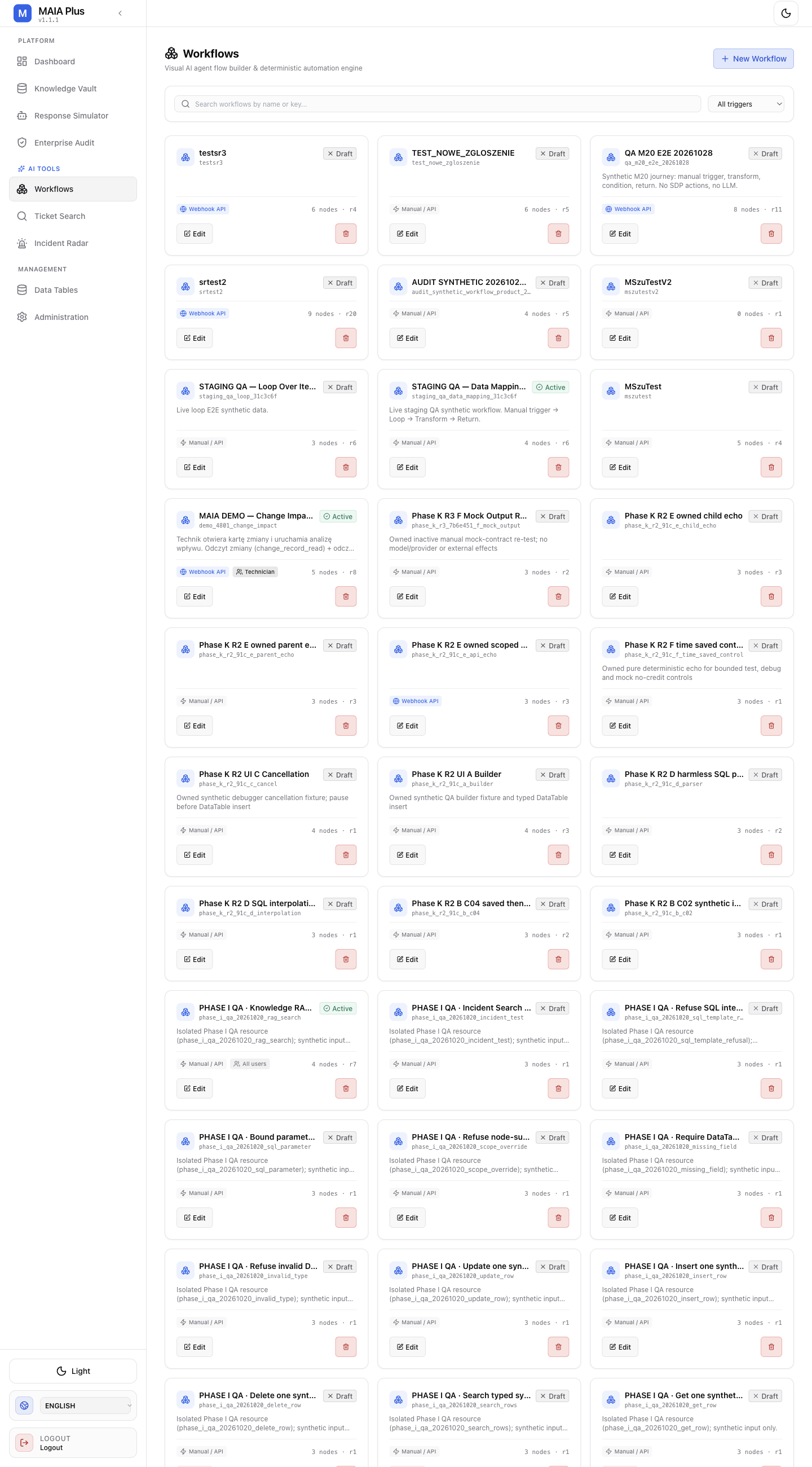
Draft and Active describe the definition; the revision identifies which configuration a run used.
Read the run first
Section titled “Read the run first”Open Enterprise Audit → Runs, find the run, and answer three questions:
| Question | Where |
|---|---|
| Which entry fired? | The run timeline’s first step |
| Which step failed or stopped? | First step that is not completed |
| Did anything external happen? | Audit → External Actions for the same run |
A run that ends “successfully” with no external action is a workflow that answered and wrote nothing — frequently correct, occasionally the bug.
The five usual causes
Section titled “The five usual causes”| Symptom | Cause | Fix |
|---|---|---|
| Ends early, no error | Branch output activated has no edge | Connect the missing handle |
unresolved expression | Reads a node a branch skipped | Reference $node["id"] or guard with a condition |
| Stuck at Waiting for input | Write tool needs approval | Decide in Approvals |
| Never fires (schedule/webhook) | Draft definition, or schedule not registered | Activate after preflight |
| Loops until the limit | Tool returns something unusable | Fix the tool or query, lower the limit |
Check the revision before blaming the definition
Section titled “Check the revision before blaming the definition”Every run records the revision it used. If you edited the workflow five minutes ago and the failing run was an hour old, you are debugging a configuration that no longer exists.
Verify the entry, not just the graph
Section titled “Verify the entry, not just the graph”| Trigger | What to confirm |
|---|---|
| Webhook | The key is bound to this target; the payload carries the ids the first step reads |
| Schedule | The schedule is registered and the workflow is active |
| Manual | The test payload matches the shape the first step expects |
A webhook that returns 401 never created a run; a webhook that returns 200 and creates no run has a payload problem. See Connections.
Test narrowly
Section titled “Test narrowly”- Open the editor, choose Run to this node on the failing step.
- Supply a payload with a real id but no production write.
- Read the step’s output — compare its shape with the expression the next step uses.
- Fix one thing, re-run the same range.
Full-graph runs are for the last check, not the first.
Limits and failure modes
Section titled “Limits and failure modes”- Second run hides the first — keep the original run id before retrying.
- Approvals block indefinitely — an unattended automation can wait forever by design.
- Child workflows fail silently in the parent — open the child run from the Subworkflow Call step.
- Draft definitions behave differently from active ones — schedules and webhooks only work when active.
- A “successful” run is not proof of the intended effect — check External Actions.
Related topics
Section titled “Related topics”Common workflow failures · Testing and debugging · Enterprise Audit · Triggers